.png?width=120&height=55&name=Blitzz-Logo-right%20white%20eyes%20-%20not%20transparent%20(3).png)

On this page
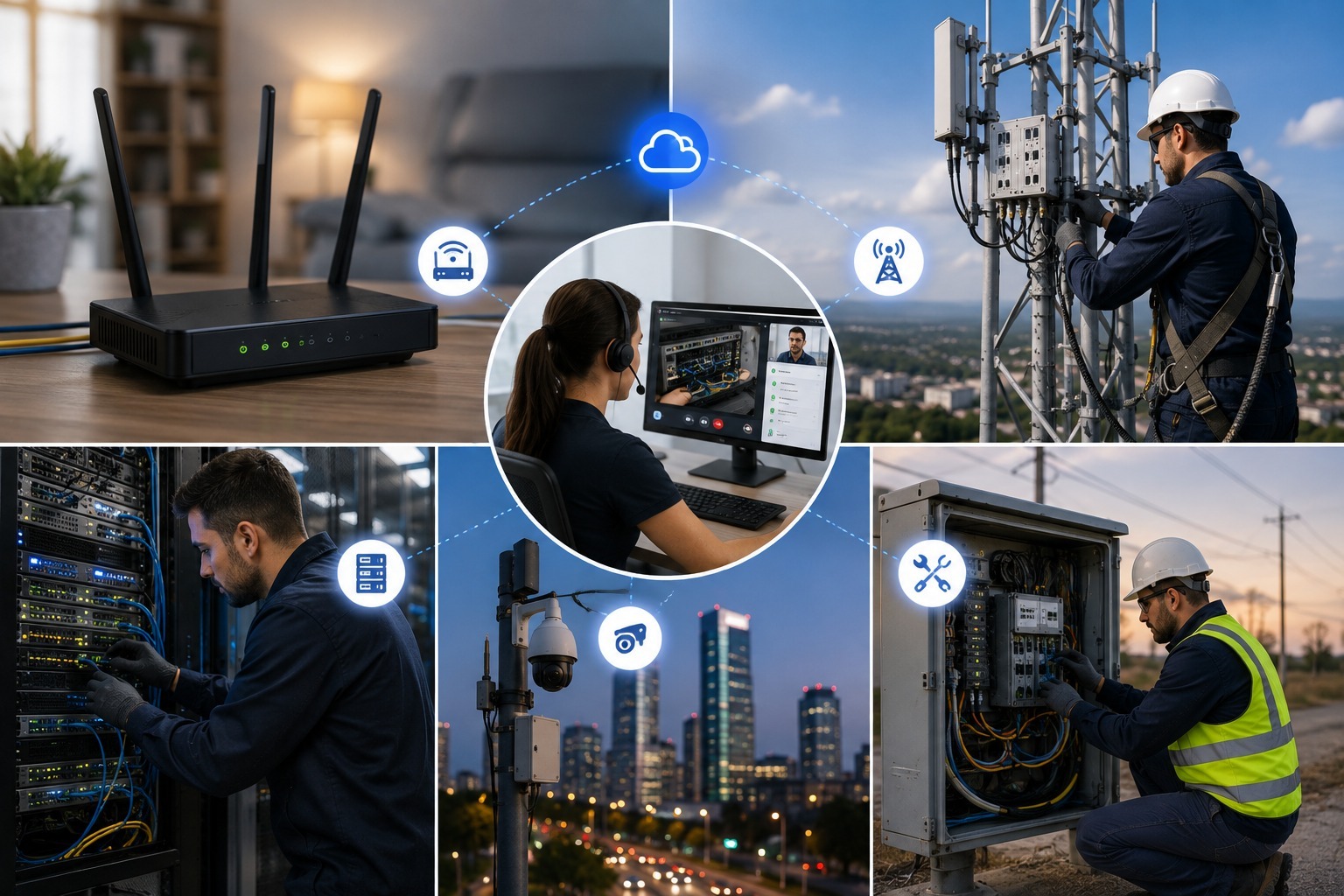
A subscriber calls in because their internet keeps dropping, or their new router won't pair with the mesh extender in the back bedroom, or the fiber ONT has a red light nobody in the house can explain. For years, the telecom playbook for these calls had two options: walk the customer through a fix over the phone using vague descriptions of blinking lights and cable colors, or schedule a technician visit that costs the company real money and costs the customer a half-day waiting at home. Remote video inspection has become the third option, and it is quickly becoming the default one. By putting a live camera feed — or a live view of the subscriber's own screen — directly in front of a support agent, telecom providers are resolving router setups, connectivity issues, and equipment problems in a single call, without ever dispatching a truck.
Why Telecom Support Is Uniquely Suited to Remote Video
Telecom troubleshooting has always suffered from a translation problem. A customer says the light is blinking orange when it is actually solid amber, or they describe a cable as the white one when there are three white cables behind the router. None of this is the customer's fault — home networking hardware was never designed to be described accurately over the phone. Field Service, Telecom, Insurance: How Genesys and Blitzz Help Across Industries puts it plainly: rather than a user describing a blinking modem light, a support agent can see it directly, and specialized configurations that used to require guesswork get solved on the spot.
This is exactly the gap visual remote assistance for telecom and internet providers was built to close. Instead of relying on a customer's description, the agent sees the router, the cabling, the light pattern, and the physical layout of the home network in real time, and can direct the fix accordingly — no technical vocabulary required from the person holding the phone.
Guiding Router Setup Without a Technician On-Site
Router and gateway setup is one of the highest-volume support categories in telecom, and it is also one of the easiest to solve visually. A subscriber unboxing a new router or mesh unit does not need a technician standing in their living room — they need someone who can see which port a cable is plugged into and correct it in seconds. Blitzz Concierge lets an agent send a text link to the subscriber's phone, and the moment it is opened, the agent is looking at exactly what the customer sees: the back of the router, the status lights, the cable runs. No app download, no account creation, nothing for the subscriber to install.
Once the session is live, the agent isn't limited to just watching. Augmented reality annotation lets the agent circle the exact port the WAN cable belongs in, or draw an arrow toward the reset button, removing the ambiguity that used to turn a two-minute fix into a fifteen-minute phone call. How telecom support teams use AI to diagnose router issues remotely shows how this plays out in production: agents read status lights and model numbers instantly through the video feed, cutting out the guesswork that used to come from a customer trying to read a tiny label upside down.
Cobrowsing: Fixing the Software Side of Connectivity
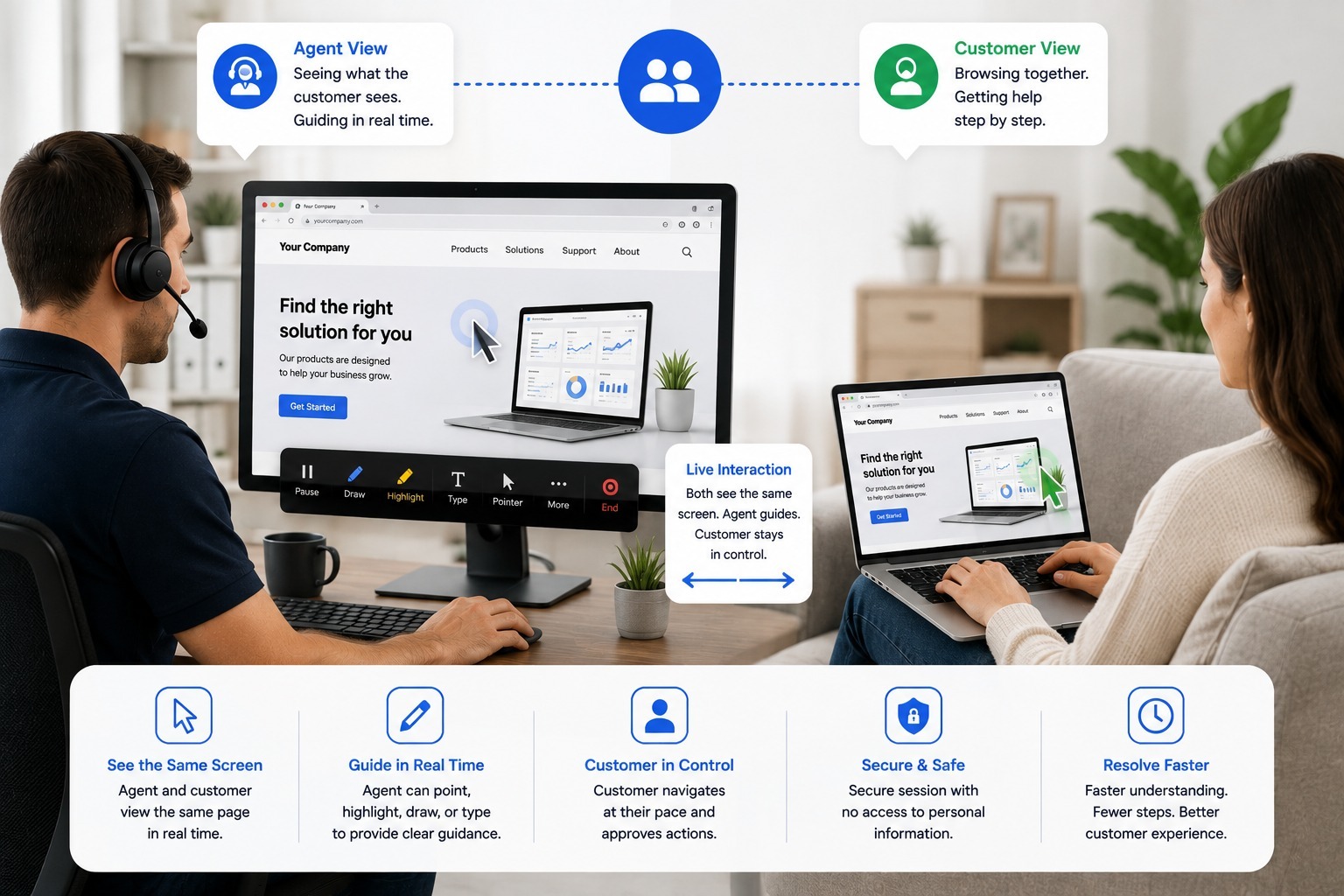
Not every connectivity issue lives in the hardware. A subscriber might be looking at an error message in their provider's app, stuck on a Wi-Fi password screen, or unable to find the right settings menu on their smart TV to reconnect it to the network. This is where cobrowsing does what a camera alone cannot. Blitzz Co-Browse lets an agent see the subscriber's own screen — their app, their browser, their settings menu — and guide them through it directly, without ever needing physical access to the device.
For situations where showing is faster than telling, Blitzz ScreenShare gives agents the same real-time visibility into a customer's device without requiring the customer to install anything first. Between camera-based video for hardware issues and screen-based cobrowsing for software and app issues, a support team ends up with full visual coverage of a connectivity problem, whether it lives in a cable, a config screen, or somewhere in between.
AI Is Making the Diagnosis Faster, Not Just the Visibility
Seeing the equipment is half the battle — knowing what you are looking at is the other half, and that is where a lot of general contact center agents fall short on telecom-specific hardware. Owlbert AI closes that gap by recognizing equipment and reading status indicators directly from the live feed, surfacing likely causes to the agent instead of relying purely on the agent's own hardware knowledge. A newer agent who has never seen a particular ONT model before gets the same diagnostic speed as someone who has serviced that exact device for years.
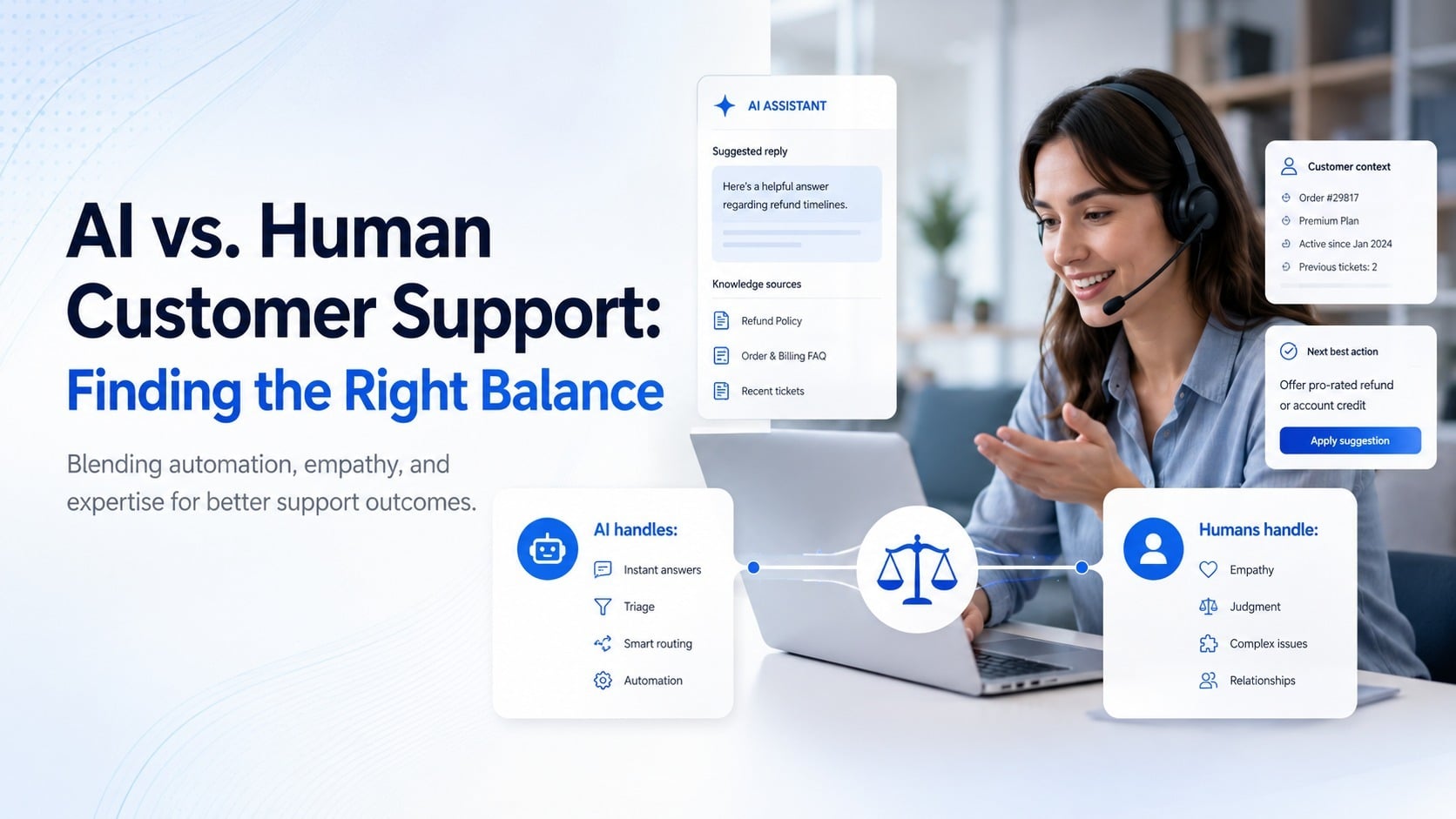
This shift is part of a broader move across the industry. How telecom companies can use technology to transform customer support describes how visual remote assistance handles the immediate fix while AI increasingly handles what comes next — predictive detection of dissatisfaction, automated ticket summaries, and smarter routing so the right specialist sees the right case the first time. What is AI video support, and why it's changing customer support frames this as a combination rather than a replacement: live video handles the visual diagnosis, AI handles the pattern recognition sitting underneath it.
The Truck Roll Math That Makes This Worth Doing
None of this matters if the economics don't work, and for telecom the economics are unusually clear. The real cost of a truck roll breaks down what a single unnecessary dispatch actually costs once technician time, vehicle costs, and scheduling overhead are added together — and telecom providers dispatch trucks at a volume that makes even small per-visit savings compound quickly across a subscriber base. Reducing truck rolls at scale: a smarter support model for telecom operators documents exactly how operators are approaching this at the scale of an entire customer base rather than one call at a time.
The results show up in real deployments, not just theory. One major telecom provider eliminated 120 site visits in a single month after equipping 20 technicians with visual support tools, saving more than $13,000 while 96% of reps reported faster ticket resolution — a program that later scaled to 1,500 agents onboarded in just two days, as detailed in boost first-call resolution by 40% through remote visual support. Rogers Communications is a public example of this at enterprise scale: the company adopted an app-free video platform specifically to deliver remote visual support without adding operational complexity, a deployment covered in the Rogers Communications case study.
What This Does for First-Call Resolution and Customer Experience
Truck roll reduction gets the most attention because the savings are easy to calculate, but the customer experience impact is arguably bigger. How to improve first-call resolution lays out why FCR is one of the strongest predictors of customer loyalty in telecom specifically, where repeat calls about the same unresolved issue are one of the fastest ways to lose a subscriber to a competitor. Visual support attacks this directly: when an agent can see the problem instead of guessing at it, the odds of resolving it correctly on the first contact go up substantially.
This also changes how customers perceive the interaction itself. What is visual customer support? The new frontier of CX points to survey data showing the majority of customers prefer video assistance over a voice-only call once they've experienced it, and why ISPs are replacing phone-only support with visual assistance documents the same pattern specifically among internet providers, where phone-only support has historically been a weak point in customer satisfaction scores.
Beyond the Router: Infrastructure and Field Applications
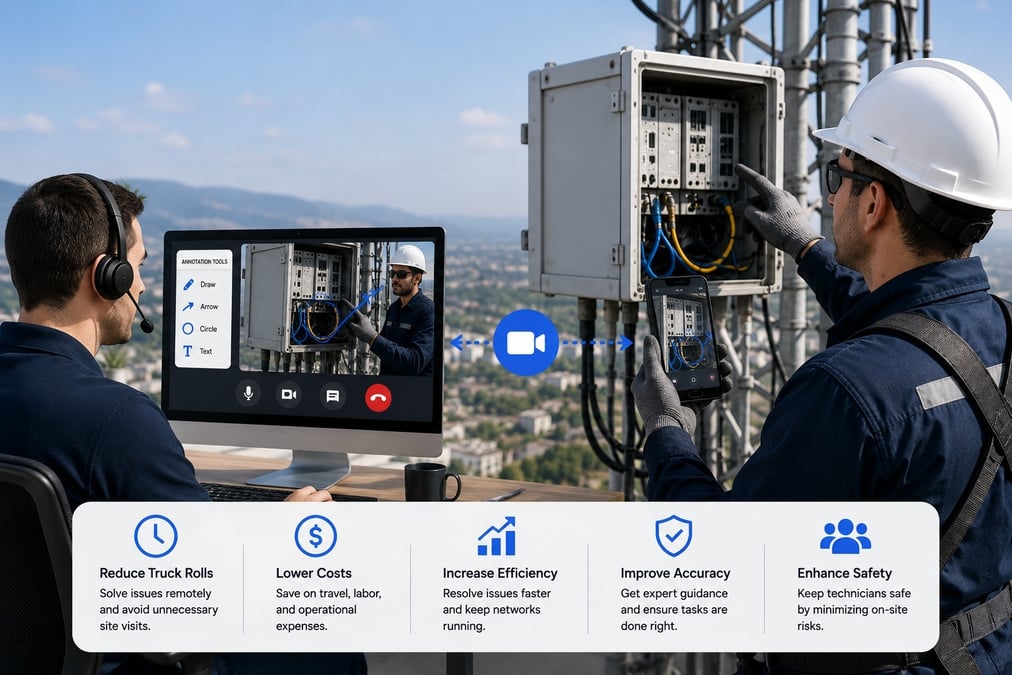
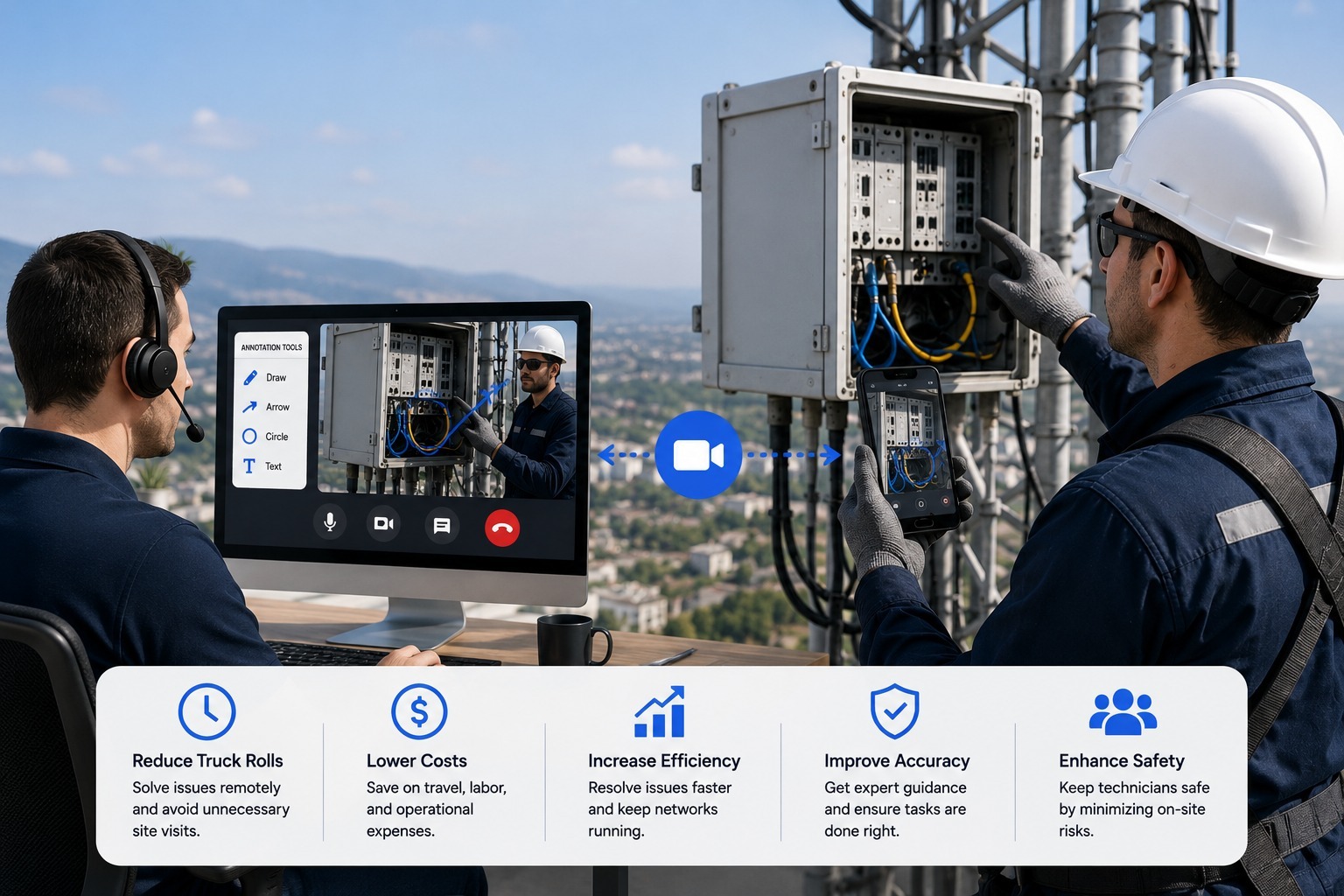
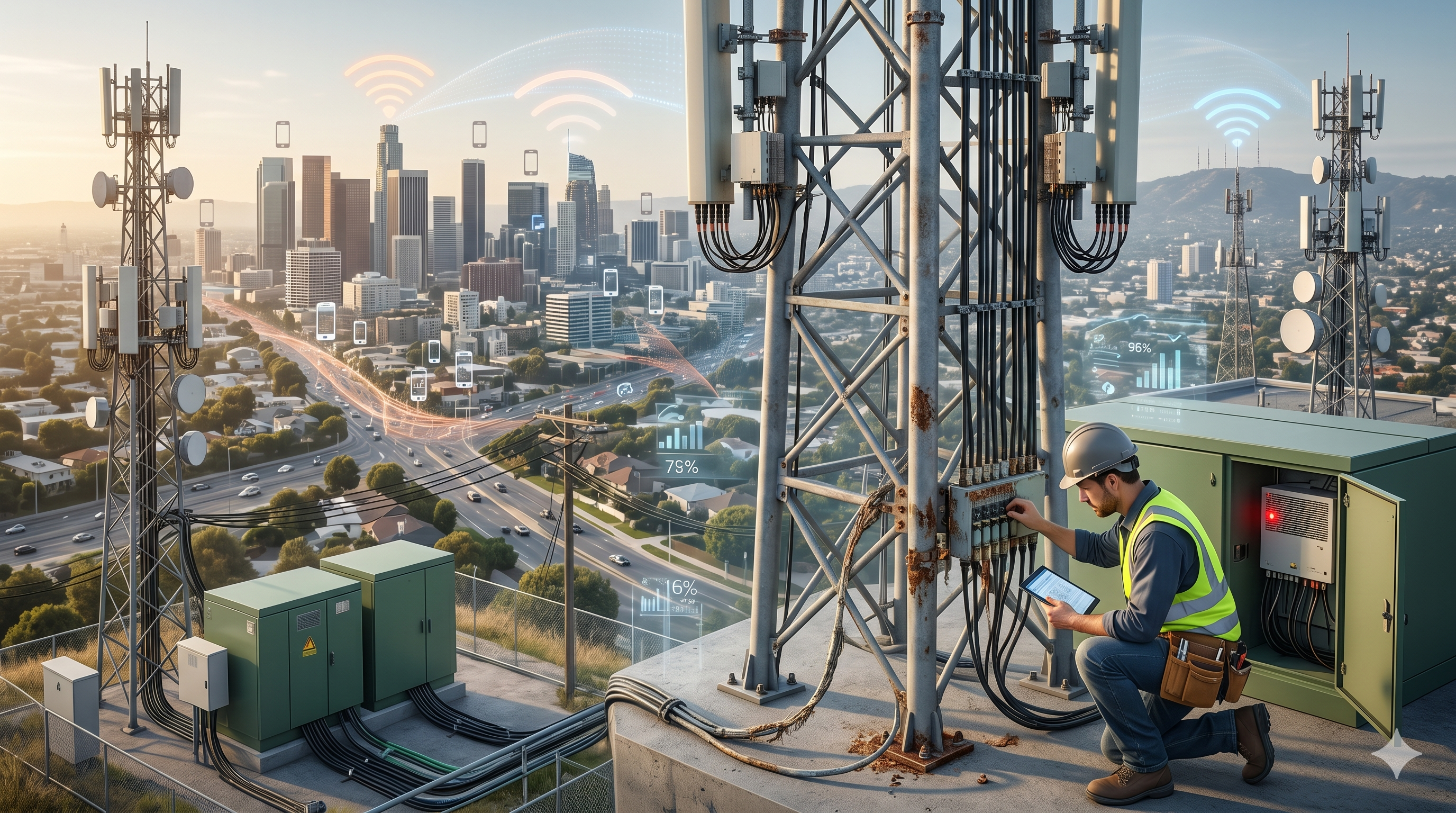
Subscriber-facing router support is the highest-volume use case, but telecom infrastructure benefits from the same visual approach further up the network. 5 common telecom infrastructure failures you can detect without setting foot on-site covers how field-level issues — cabinet damage, connector corrosion, signal degradation at a junction point — can often be assessed by routing a video feed to a specialist instead of dispatching that specialist to every site personally. For scenarios where a technician does need hands-free access to both hands while working, how to enable hands-free remote video inspection with smart glass: a telecom guide extends the same visual support model to wearable hardware, letting an off-site expert see exactly what a climbing technician sees without requiring the technician to hold a phone.
The broader inspection use case is covered in telecom remote inspection tools that keep networks humming safely, which extends the same underlying technology from subscriber support into network maintenance and safety compliance — a reminder that the router-troubleshooting use case and the infrastructure-inspection use case are really the same visual support platform applied at different points in the network.
Solving Internet Issues Before They Become Callbacks
A callback is one of the most expensive outcomes in telecom support — it means the first interaction failed, the customer is now more frustrated, and the second agent has to re-diagnose from scratch. From callbacks to first-call fixes: improving internet issue resolution with remote visual support documents how visual diagnosis interrupts this cycle by getting the fix right the first time, and how contact support teams can use remote video support walks through the operational side of building this into an existing contact center workflow without a disruptive overhaul.
What a Rollout Actually Looks Like
Providers evaluating this shift typically start with a defined pilot rather than an organization-wide rollout, which mirrors how the largest deployments in the industry actually began. Why Blitzz outlines the underlying model: an agent starts a session by texting a link to the subscriber's phone, the subscriber taps it, and the video session begins immediately with no app install and no account required on the customer's side — the same low-friction entry point that let one Canadian telecom scale from a 20-person pilot to enterprise-wide deployment in a matter of weeks. Enterprise video support solutions covers what that scale-up phase looks like operationally, from integrating with existing CRM and ticketing tools to training agents on annotation features they haven't used before.
Where AI-Driven Support Is Headed Next
The near-term roadmap for telecom support is less about replacing agents and more about making every agent perform like a specialist. AI-powered customer support for telecom: what's working in 2026 surveys what is actually driving results right now — predictive support that flags a likely outage before a subscriber even calls in, visual troubleshooting that replaces the old script-based flow, and faster issue resolution that comes from agents seeing the problem instead of interpreting a description of it. None of this requires ripping out an existing contact center stack; it layers onto tools agents are already using.
Some of the earliest telecom deployments of visual support were framed simply as hanging up the phone and showing the agent the problem directly, and that framing has aged well. Hang up the phone and show me: visual assistance for telecom captures the original case for this shift, and years of real deployments since then — from a 20-agent pilot to a 1,500-agent rollout completed in two days — have only reinforced it.
The Bottom Line
Telecom support has spent decades trying to solve a fundamentally visual problem — a blinking light, a loose cable, a confusing settings menu — using a channel that cannot show anything. Remote video and cobrowsing fix that mismatch directly, and the results are already documented at scale: fewer truck rolls, faster resolutions, and subscribers who get their connection fixed on the first call instead of the third. For a telecom provider still routing every hardware issue to a dispatch queue, the router in the customer's living room is not actually the hard part to fix — showing someone how to fix it is, and that is the exact problem visual remote assistance was built to solve.

Blitzz Team
The Blitzz Team writes about remote video support, virtual inspections and field service. Our guides come from working with home builders, property managers, warranty teams, contact centers and field service organizations that use Blitzz to see and solve issues without a truck roll.
-1.jpg)